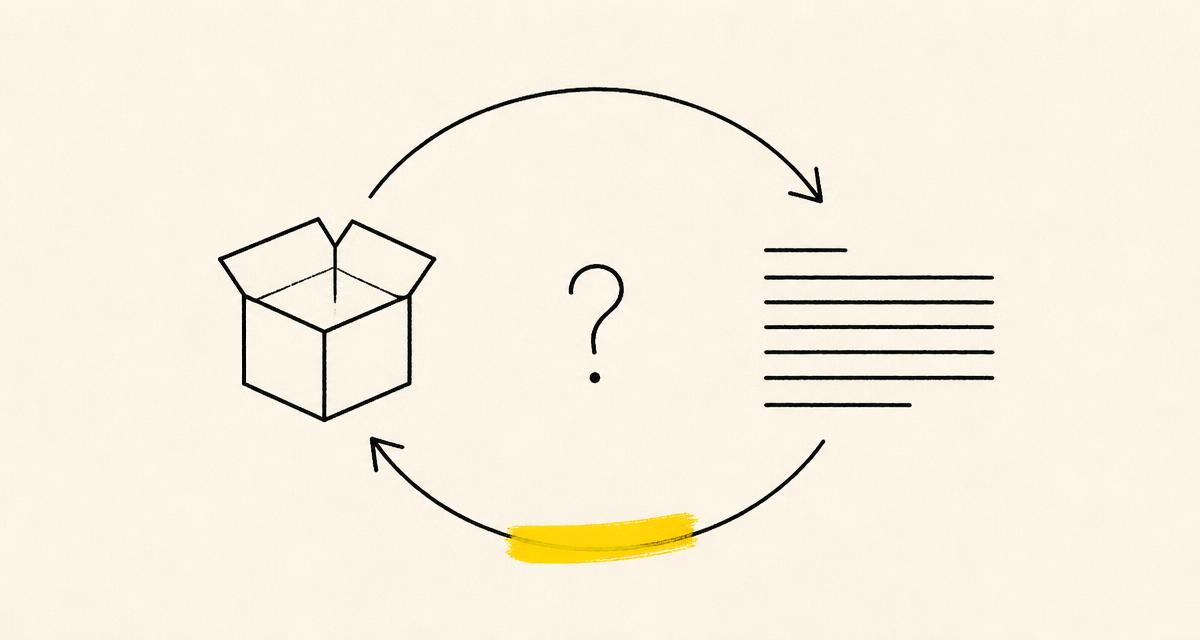
Search "free website content planner" and you'll get a pile of results: Notion templates, Google Sheets, a Trello board someone made in 2019, maybe a PDF worksheet with a lead-gen form attached. All free. All fine, technically.
None of them survive contact with a real client.
What the free tools actually give you
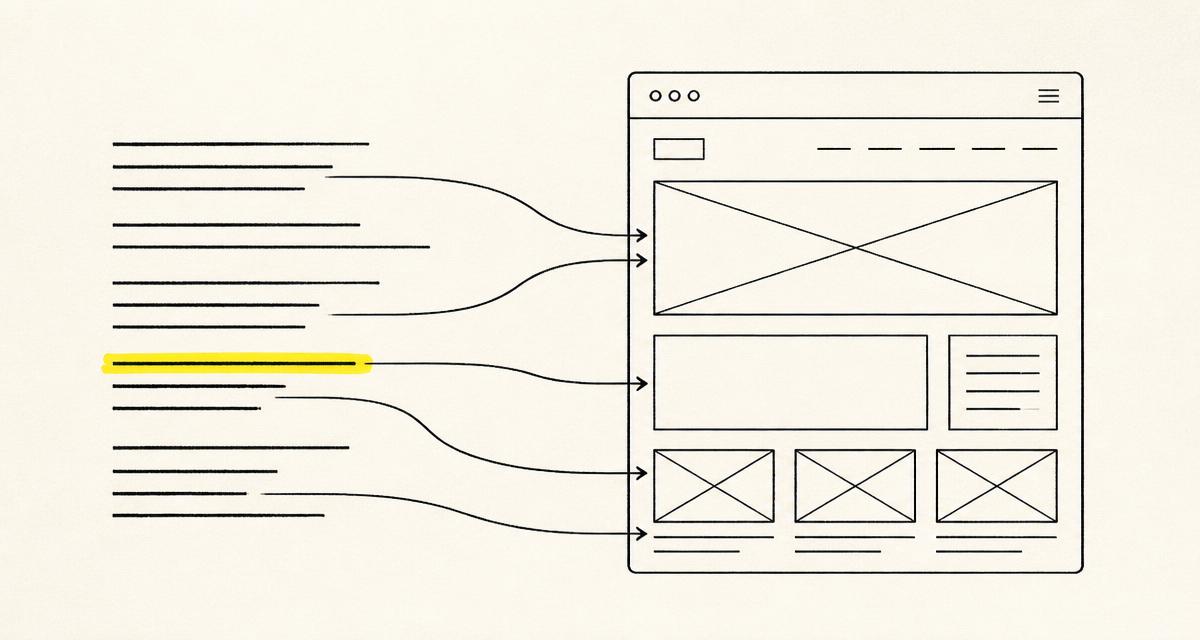
Here's the thing, they're not wrong to exist. A spreadsheet with a column for "page," a column for "purpose," and a column for "word count" will genuinely help you think through a sitemap. A Notion doc lets you drop in notes and links. If you're planning content solo, before anyone else touches the project, any of these will do the job.
The job stops there, though. A planning doc answers "what pages do we need and what goes on them." It has nothing to say about what happens next: getting a client to actually read the plan, react to it, approve it, and then watch as their notes get lost between a Slack thread, a marked-up PDF, and an email that starts with "quick thought."
Where it falls apart
You already know the pattern if you've built more than a handful of sites:
- The client comments on the Google Doc. Half the comments are on the wrong version because you sent an update and forgot to say so.
- Someone emails a revision instead of commenting in the doc, so now there are two sources of truth.
- You cut a paragraph the client didn't like, and three weeks later they ask why it's gone, because nobody could tell them it was ever cut on purpose versus lost.
- There's no record of who approved what, so "I never signed off on that" becomes a real sentence in a real meeting.
None of this is a tooling failure exactly. It's what happens when a free planning tool gets asked to also be a review tool, an approval record, and a client communication channel, none of which it was built for.
What actually needs to be true
A content plan that survives a real project needs a few things a spreadsheet can't give it:
- One link, no login. Clients won't create an account to leave three comments. They'll ignore the request or ask you to just email them the doc instead, and now you're back to email.
- A place cut content actually goes, not just disappears. Being able to show a client "here's what we removed and why" heads off the "wait, where did this go" conversation before it happens.
- A real approval record. Not "I think they were fine with it," an actual timestamped yes.
- White-labeled, if you're an agency. Your client should see your brand, not the name of whatever tool you happened to plan in.
What we built instead
That's the whole premise behind SiteWrite. It's a website content planner that also handles the part the free tools leave out: getting the plan in front of a client, letting them comment without an account, keeping every cut instead of deleting it, and locking in a real "approved" the moment they say yes.
It's not trying to be a project management suite or a doc editor with fifty features you'll never open. It plans, it gets reviewed, it gets approved. That's it.
If you've ever finished a content plan and then spent more time chasing sign-off than you spent writing it, that's the gap SiteWrite is built to close.